How Smart Home Security Systems Work for First-Time Buyers
Cat Care & Enrichment Specialists
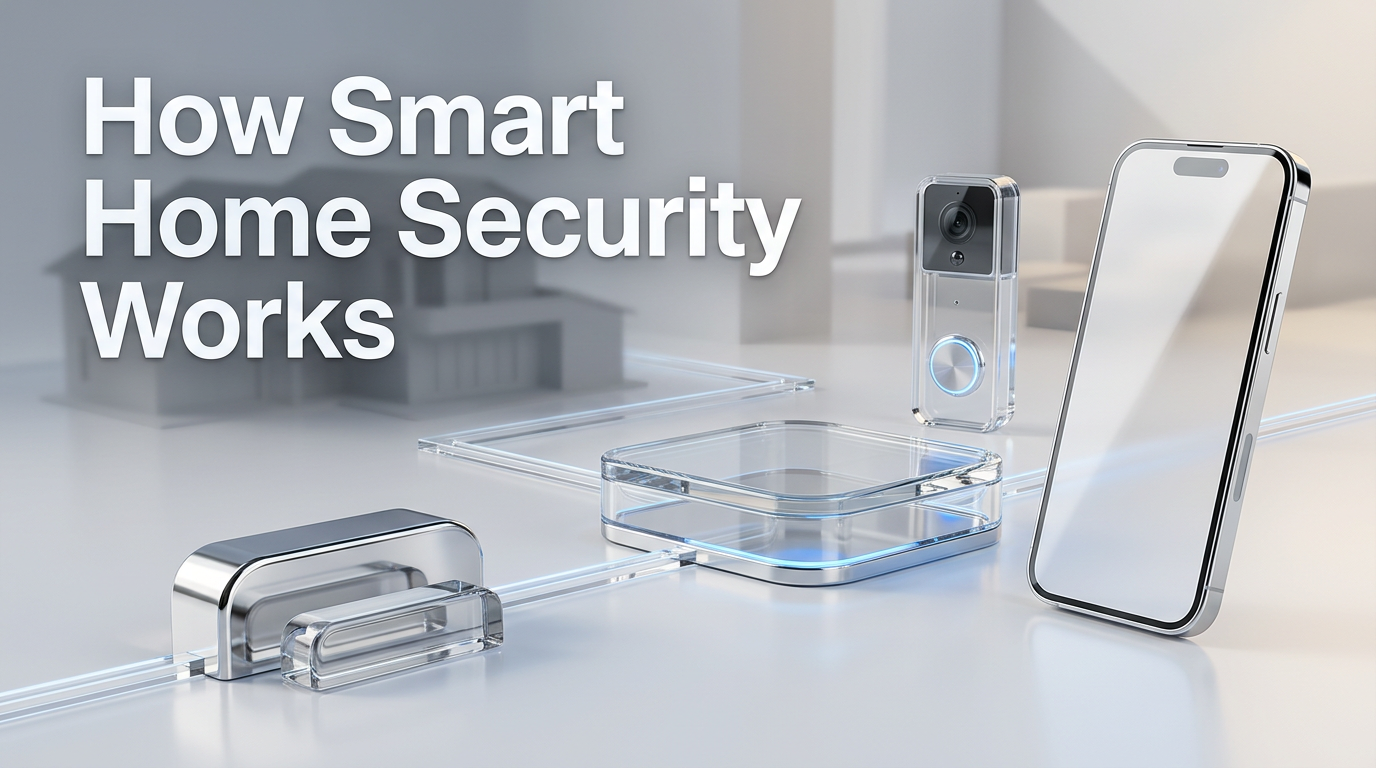
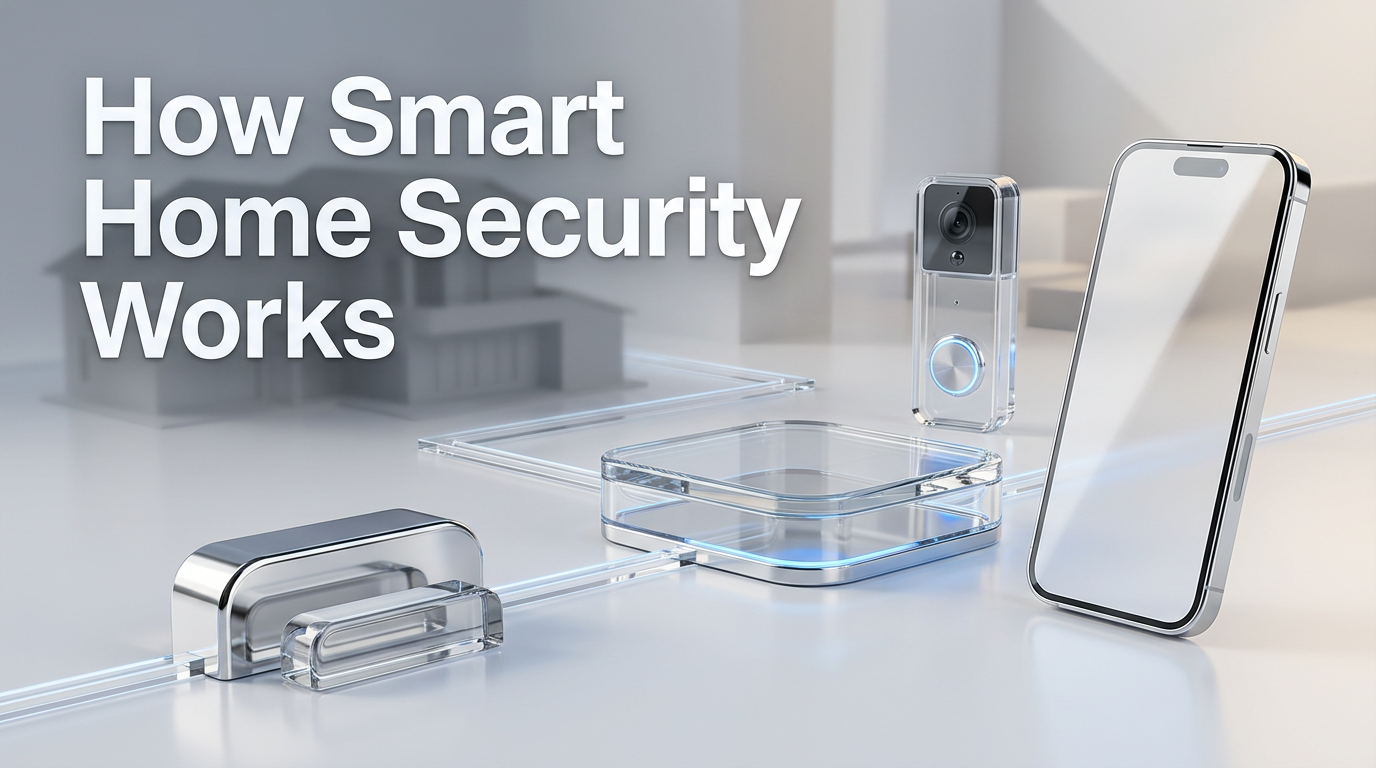
If you’re shopping for your first alarm or camera setup, it’s easy to feel buried in jargon. Sensors, hubs, monitoring, automation, cellular backup, geofencing—it can all sound more complicated than it needs to be. The good news is that how smart home security works is fairly simple once you see the big picture: devices watch for trouble, a control point decides what to do, and you get alerted so you can respond fast.
How smart home security works
A smart home security system is like a digital version of a traditional home alarm, but with more ways to communicate and more control from your phone.
In plain English, most systems work in four steps:
A device detects something — like a door opening, motion in a hallway, smoke in the kitchen, or a person near your front door.
The system processes that event — through a hub, base station, panel, or cloud service.
An action happens — a siren sounds, a light turns on, a camera records, or a notification goes to your phone.
You or a monitoring service respond — by checking the app, speaking through a camera, dismissing a false alarm, or calling for help.
That’s the core idea. Everything else is really just a variation on those four steps.
An everyday analogy
Think of smart home security like your body’s nervous system.
Sensors are the nerves that notice something.
The hub or control panel is the brain that interprets it.
Alerts and automations are the body’s reaction.
You are the decision-maker who chooses what to do next.
That analogy helps because it explains why these systems are made of multiple parts. A single camera alone is not a full security system in the same way an eye alone is not a full nervous system.
The main parts of a smart home security system
First-time buyers often compare products one by one, but it’s easier to compare systems by understanding the role each part plays.
Sensors
Sensors are the devices that notice activity or danger. Common types include:
Door and window sensors that detect opening and closing
Motion sensors that detect movement in a room or hallway
Glass-break sensors that listen for the sound pattern of shattering glass
Smoke and heat detectors that warn about fire risks
Water leak sensors that detect moisture near sinks, water heaters, or laundry areas
Freeze sensors that warn about dangerously low temperatures
These are often the first layer of protection because they can alert you before a problem gets worse.
Cameras and video doorbells
Cameras let you see what’s happening instead of guessing.
They may:
Record when motion is detected
Send live video to your phone
Offer two-way audio
Distinguish between people, packages, pets, or vehicles
Store footage locally, in the cloud, or both
A video doorbell is basically a front-door camera built for visitors, deliveries, and motion near your entrance.
Control panel, hub, or base station
This is the device that ties the system together.
Depending on the setup, it may:
Connect sensors to the internet
Trigger a siren
Let you arm or disarm the system
Provide battery backup
Use cellular service if your internet fails
Some systems rely on a dedicated hub in your home. Others use a keypad, touchscreen panel, or mostly cloud-based setup.
Mobile app
For many buyers, the app is what makes a system feel “smart.”
The app usually lets you:
Arm and disarm the system remotely
Get alerts in real time
View cameras and recordings
Set schedules and automation rules
Add users or temporary access
Check system status when you’re away
If the app is confusing or unreliable, the whole system can feel harder to live with, even if the hardware is fine.
Monitoring and alerts
There are two main approaches:
Self-monitoring: alerts go to you, and you decide how to respond
Professional monitoring: a monitoring center may review alarms and contact you or emergency services, depending on the plan and alarm type
Neither is automatically “better” for everyone. It depends on how hands-on you want to be and whether someone will reliably notice alerts at all hours.
How the devices communicate
This is one of the least visible parts of the system, but it matters.
Devices may communicate through:
Wi-Fi
Bluetooth
Z-Wave or Zigbee
Thread or Matter-compatible frameworks
Cellular backup for outages or internet failure
You do not need to memorize every protocol before buying. What matters is understanding the tradeoff:
Some devices connect directly to Wi-Fi, which can be simple but may add load to your network.
Some use a hub and low-power wireless connection, which can improve battery life and coordination.
Some systems keep working better during outages if they include battery and cellular backup.
For a first-time buyer, reliability is usually more important than having the longest feature list.
What happens during a real event
A quick example makes the system easier to understand.
Let’s say you arm your system before bed.
A back door opens.
The contact sensor notices the door changed from closed to open.
The sensor sends that event to the hub or cloud service.
The system checks the rule: the home is armed, so this counts as an alarm event.
The siren may sound.
A push notification goes to your phone.
Nearby cameras may start recording.
If you have monitoring, the event may be escalated for follow-up.
The same logic applies to many situations. The trigger changes, but the pattern stays similar: detect, decide, alert, respond.
Choosing between common setup types
The best setup depends on your home, habits, and comfort level.
DIY systems
DIY systems are designed for homeowners or renters to install themselves.
They often appeal to first-time buyers because:
Installation is usually simpler
Equipment is often more modular
Expanding room by room can be easier
You can control placement and timing yourself
DIY can be a good fit if you’re comfortable mounting devices, using an app, and testing everything carefully.
Professionally installed systems
These systems may be better if:
You want someone else to design the layout
You have a larger home or more entry points
You want wired components in some areas
You prefer less trial and error
Professional installation does not automatically mean “smarter,” but it can reduce setup mistakes.
All-in-one vs. build-your-own
Some systems come as a simple package with a hub, a few sensors, and maybe a camera. Others let you assemble exactly what you want.
Here’s a quick comparison:
Option | Best for | Watch out for |
|---|---|---|
All-in-one starter setup | Buyers who want a simple beginning | May include devices you do not need |
Build-your-own setup | Buyers with specific goals or unusual layouts | Easier to overlook key coverage areas |
Camera-first setup | People focused on visibility and delivery monitoring | Cameras alone may not detect every entry event |
Sensor-first setup | People who want a classic alarm-style foundation | Less visual context unless paired with cameras |
What to consider before you buy
A security system works best when it matches your actual home life.
Your home’s weak spots
Walk around your home and ask:
Which doors are used most?
Are there first-floor windows hidden from the street?
Is there a garage, basement, or side entrance?
Do you want to monitor fire, leaks, or just intrusion?
Many first-time buyers focus only on the front door. Real coverage usually needs a wider view.
Your internet and power reliability
Smart systems often rely heavily on connectivity. If your Wi-Fi is weak in parts of the house, devices may behave poorly.
Check:
Signal strength where cameras or sensors will go
Whether the system has battery backup
Whether it offers cellular backup during internet outages
Pets, kids, and everyday routines
A good system should fit your life instead of fighting it.
For example:
Motion sensors should account for pets if possible
Kids need a simple way to enter without false alarms
Frequent dog walkers, cleaners, or relatives may need scheduled or limited access
Privacy preferences
Not everyone is equally comfortable with indoor cameras, cloud storage, or always-on microphones.
Before buying, decide:
Whether you want cameras indoors, outdoors, or both
Whether local storage matters to you
Who can access footage and app controls
Whether guest access should be limited
Common mistakes first-time buyers make
You can avoid a lot of frustration by knowing the usual pitfalls.
Buying devices before planning coverage
People often buy a popular camera or starter kit first and only later realize they missed major entry points.
Start with a simple map of your home and mark:
Main doors
Ground-level windows
Interior paths someone would likely walk through
Areas where water or smoke detection matters
Assuming more devices always means better security
A cluttered setup is not automatically a better one. Too many notifications, duplicate devices, or overlapping cameras can create noise that makes real alerts easier to ignore.
Ignoring backup options
If your internet or power goes down, what still works? That question matters more than many buyers expect.
Skipping testing after installation
Even easy systems need testing.
You should confirm:
Every sensor reports correctly
Notifications arrive on the right phones
Cameras capture useful angles
Night visibility is acceptable
Entry and exit delays make sense for your routine
Forgetting ongoing maintenance
Batteries need replacement. Apps need updates. Camera lenses need cleaning. Permissions and user access should be reviewed occasionally.
A security system is not a one-time purchase you can ignore forever.
Safe DIY setup basics
If you plan to install the system yourself, keep the process simple and deliberate.
Place devices for real use, not just easy mounting
A camera that is easy to install but points into glare or misses the walkway is not helping much. A door sensor on a rarely used entrance may matter less than one on the garage entry you use every day.
Start with a small core system
A practical starter setup might include:
One hub or base station
Sensors on main entry doors
One motion sensor in a key interior area
One doorbell camera or outdoor camera
Smoke or water sensors if those risks matter in your home
Once that works well, expand if needed.
Use strong account security
This is part of home security too.
At minimum:
Use a strong, unique password
Turn on two-factor authentication if available
Keep software and firmware updated
Remove access for people who no longer need it
Test false-alarm risk early
Open doors, walk typical paths, and arm the system under normal conditions. It is better to catch bad sensor placement or confusing delays on a Saturday afternoon than at 2 a.m.
What matters most for first-time buyers
If you remember only one thing, let it be this: the best first system is not the one with the most features. It is the one you will actually use correctly.
That usually means choosing a setup that is:
Easy to arm and disarm
Reliable during normal daily life
Clear about alerts
Expandable without becoming confusing
Matched to your real risks, not marketing hype
A modest, well-planned system is often more useful than a complicated one that nobody in the home fully understands.
Conclusion
Once you understand how smart home security works, comparing options gets much easier. You’re no longer just looking at gadgets—you’re looking at a chain of detection, decision, alert, and response. Before you buy, map your home, decide what you want to protect, and choose the simplest setup that covers those needs reliably. That approach will help you buy with more confidence and fewer regrets.
Treat Your Feline Friend
Explore our handpicked collection of safe, engaging enrichment toys and cozy perches.